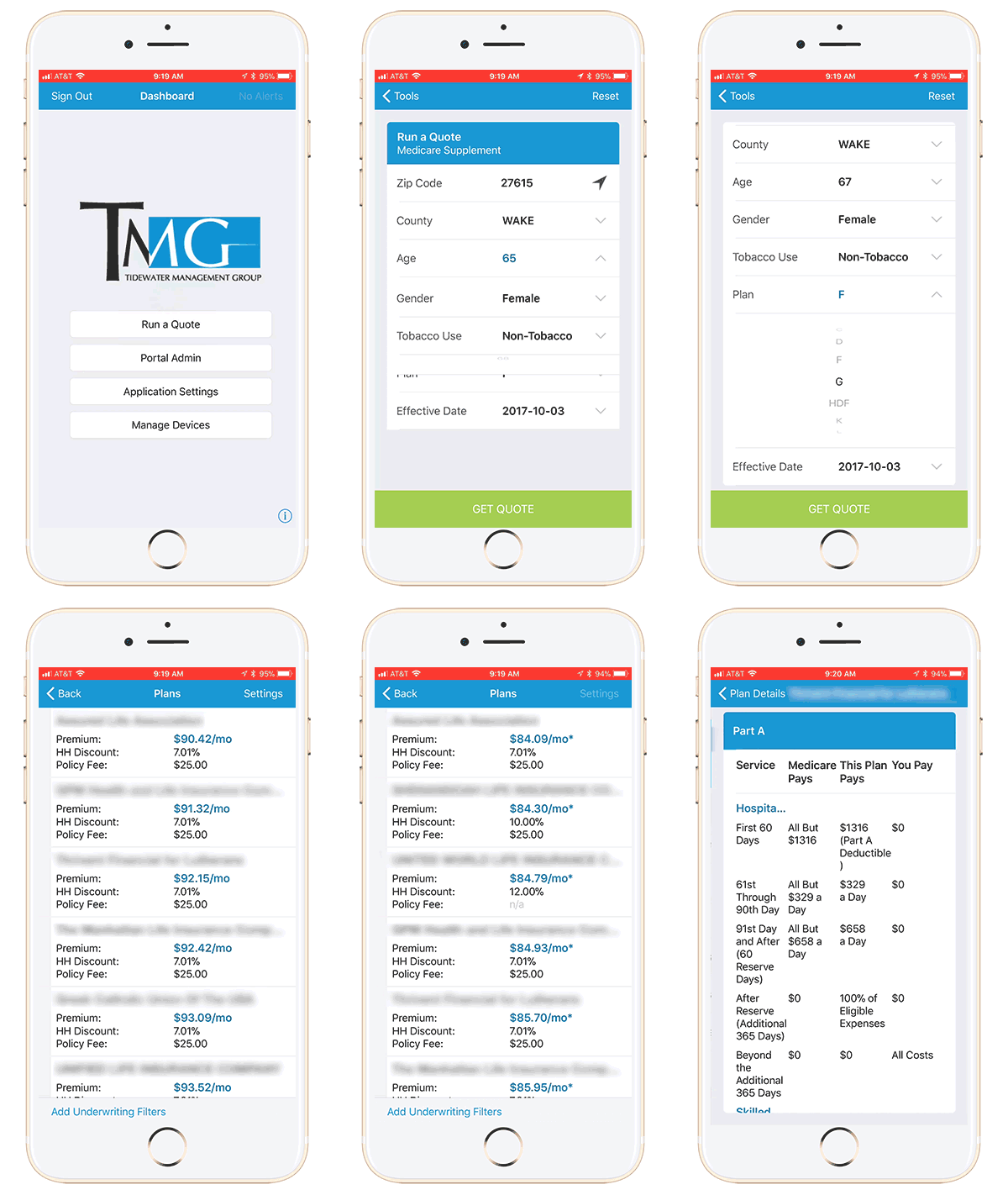
We now offer, exclusively to Wealth Alliance partners, the Wealth Alliance mobile quoting tool! All Free!
Submit applications to 3 major carriers
Customize a quote fast and easy from anywhere!
Use the location button to pinpoint the zip code.
Underwriting filters make it simple to find the right plan.
Always have a fast, reliable, quoting tool, wherever you go.
Prescription Drug Quoting
Available on the desktop
Available as mobile apps
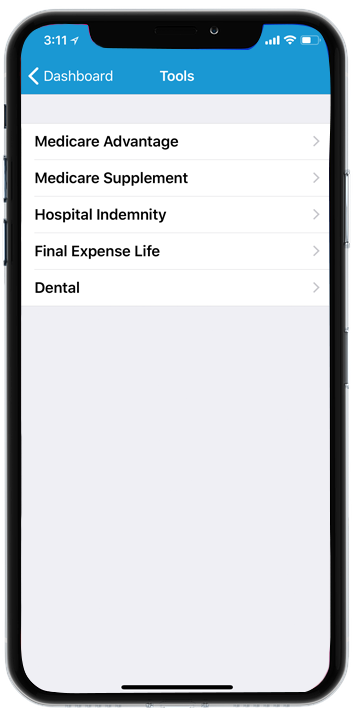
What can I quote with this tool?
This is a non-biased quoting tool!
You can find quotes for all of the carriers in the zip code you are searching. We do not omit the carriers with which we do not have contracts. If you find a plan you would like for us to pursue, let us know!
Submit applications to major carriers
Customize a quote fast and easy from anywhere!
Use the location button to pinpoint the zip code.
Underwriting filters make it simple to find the right plan.
Always have a fast, reliable, quoting tool, wherever you go.
Prescription Drug Quoting
Classes for easy editing.
List anything with fancy icons.
Compare.
Increase your productivity. Compare all carriers and plans, including accurate drug pricing and personalized Medicare options (Med Advantage, MAPD, PDP, & SNP) to ensure reliable plan details and out-of-pocket estimates.
Select
Simplify your process. Use the best technology to find the plans that best fit a client’s need. This action creates higher customer satisfaction and leads to increased retention levels (not to mention more referrals).
Save
Save the data. Plus, save your clients money: total out-of-pocket expenses, including monthly premiums. When your business practices and customer interactions are more efficient, it shows.
Easy Steps to Get Started
1
Download the app on your device
The first step is to download the application on your phone and/or tablet. You will find the app in Google Play Store on your Android or the iTunes Store for your Apple products. Those will already be installed on your device.
Create an account
On your device, click the create account link under the login options. Use a preferred email address and password. Write these down, you will need them to login each time.
2
3
Wait for Wealth Alliance to approve the account
We will review your request and either approve or contact you about your request. Once you are approved, you will receive an email with your login credentials. If you want to expedite the approval, you can call your agent support specialist. 1-877-597-2397
Watch Training Videos
Contact us today to get this added to your quoting tool app!
1-877-597-2397
Do you think Wealth Alliance Group can help you grow your agency?