Our T-65 Locator app available to all Wealth Alliance agents free of charge. This simple tool helps you narrow down prospects who will be turning 65 within a specified location and birthday range. It provides prospect addresses so that agents can mail a letter or birthday card or stop by and knock on the door. (As a friendly reminder, door knocking is not allowed in West Virginia.)
In this tutorial, you will learn how to use this powerful tool for finding Medicare Supplement prospects who will be turning 65 soon. You can become their trusted resource to help them navigate Medicare before any other agents have the chance to speak with them.
Easy Steps to Get Started with Turning 65 Locator
1
Request Access
A. Once you request access and have been approved through Wealth Alliance, we will help you register for an account.
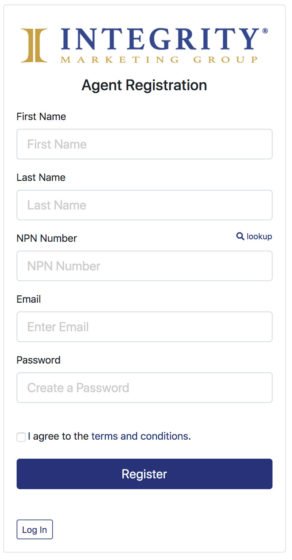
B. After being approved, you will sign up for an account by inputting your first name, last name, NPN, email, and by creating a password. Check the box to agree to terms and conditions, and then click "register."
2
Set Up Your Application Settings
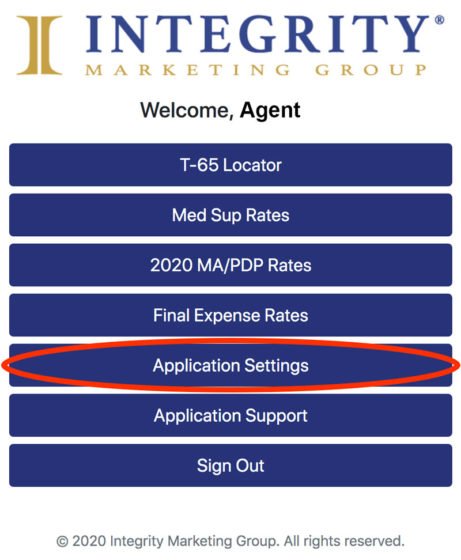
C. Once you are logged in, click "Application Settings" in the main menu. We will now set up the criteria for your search.
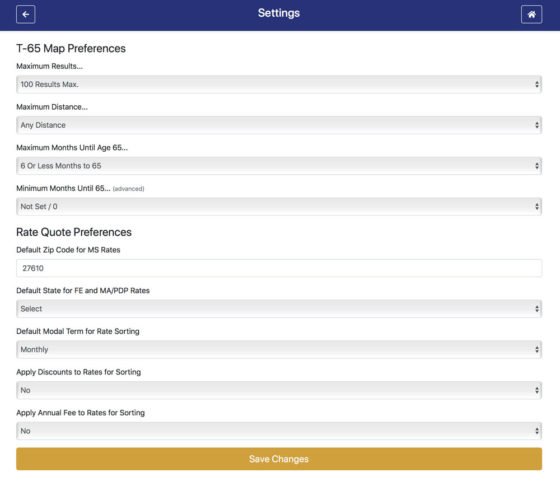
D. You can set up your search preferences on the settings page. Under T-65 Preferences, you can change the maximum number of results that pop up, the maximum distance, and the maximum and minimum months until age 65. Ensure that you set your maximum and minimum months until age 65 for the best results in your search. Change the minimum months until 65 to Not Set/0 unless you have a specific range in mind.
Under the Rate Quote Preferences portion, set your default zip code and state, default term, and whether or not you want to apply discounts and annual fees to rates for sorting. Once you are finished, click "Save Changes" in the gold button at the bottom. Click the home icon at the top right in the blue bar once you have saved your changes.
3
Locate Prospects
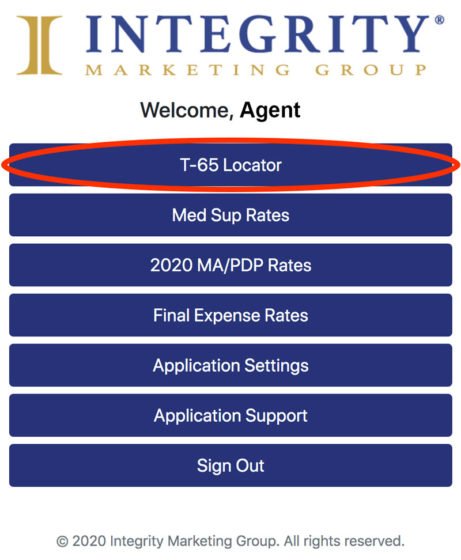
E. After returning to the home screen, click "T-65 Locator" to go to the prospect location map.
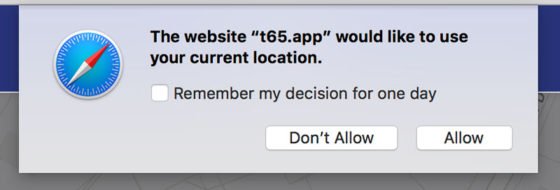
F. Once you reach the map, your browser may prompt you to allow location settings. If you want to search prospects around your current location, choose "allow." If you want to search for prospects within the zip code that you selected within the Application Settings, click "don't allow."
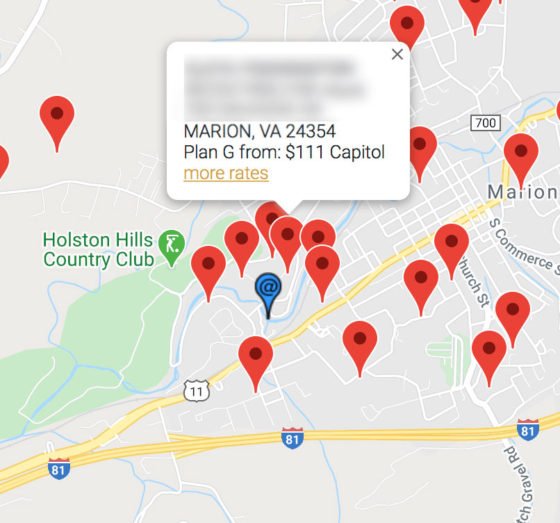
G. You will now see prospects in your designated area, represented by red pins on the map. Zoom in or out by clicking the plus or minus buttons at the bottom right of the map.
H. To view a prospect, click on a red pin. This will show their name, birthday, days until they turn 65, their address, and a recommended Medicare Supplement option for them. Click "more rates" on this pop-up to view other plan options.